
Bring In Contacts Effortlessly. Export When You Need.
A step-by-step import wizard assists you in bringing files and online store contacts into your local SQLite store, with instant export to any major data format.
Smart Ingestion
From Microsoft Excel, CSV, and delimited text files, or direct cloud synchronization from e-commerce platforms and CRMs.
Universal Export
Export your address book into Excel (.xlsx), CSV, structured JSON, or XML: the entire database or filtered selection.
Choose Your Data Source
From local spreadsheets on your computer or directly from connected e-commerce and CRM backends.
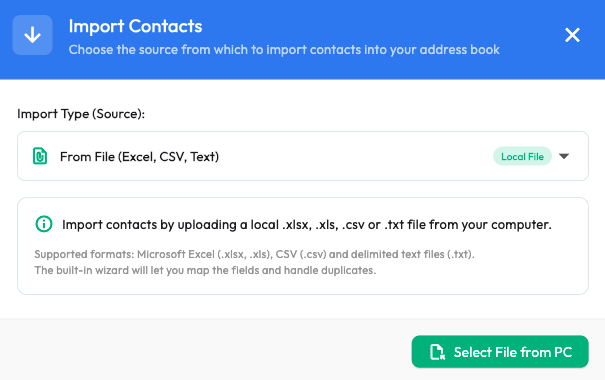
From Local Workstation Files
- Microsoft Excel (.xlsx and legacy .xls) without requiring Microsoft Office installed.
- CSV (.csv) with auto-detected comma, semicolon, or custom delimiters.
- Plain text files (.txt) with tab or symbol separators.
From E-Commerce, CRM & Business Tools
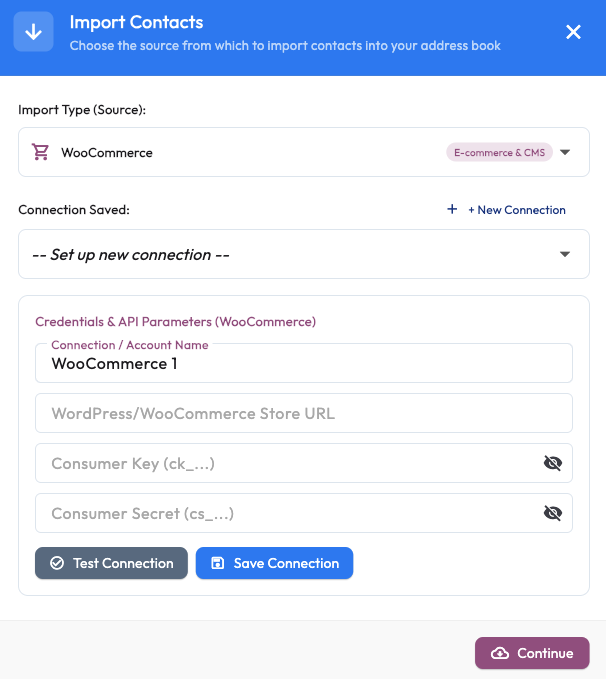
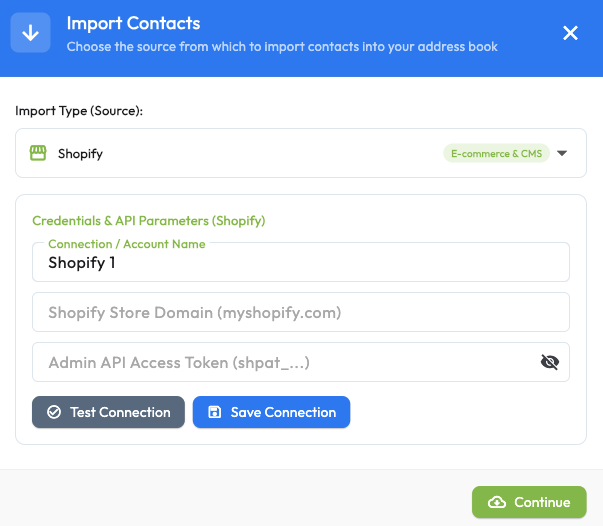
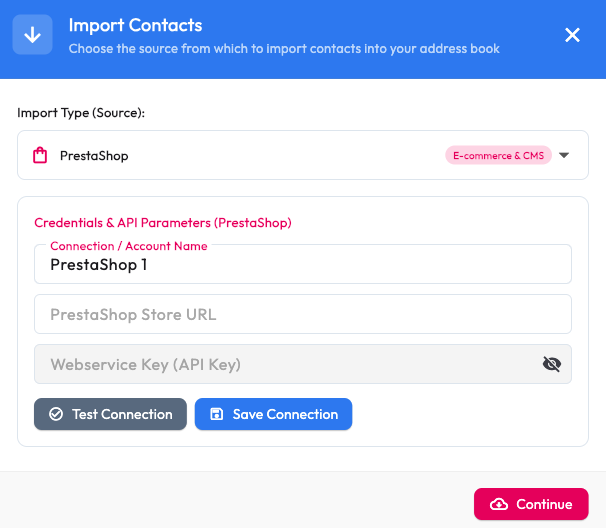
Enter system credentials once, test the connection, and save it for one-click future syncs.
WooCommerce
Shopify
PrestaShop
Magento 2 / Adobe Commerce
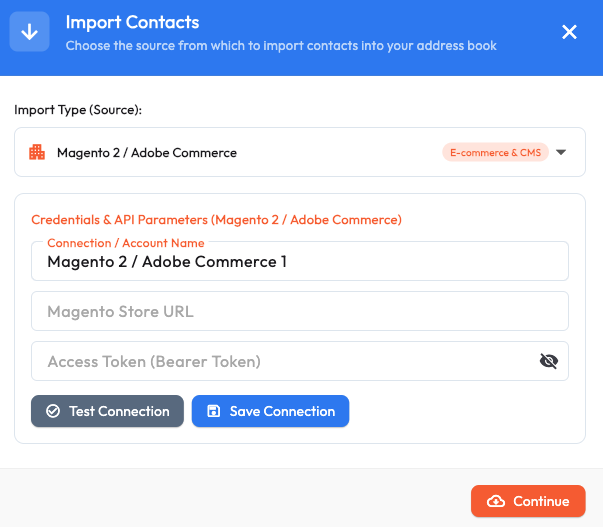
OpenCart
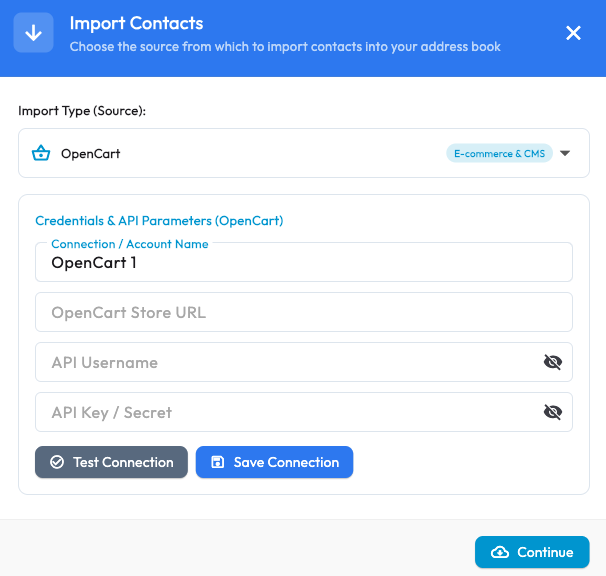
BigCommerce

HubSpot
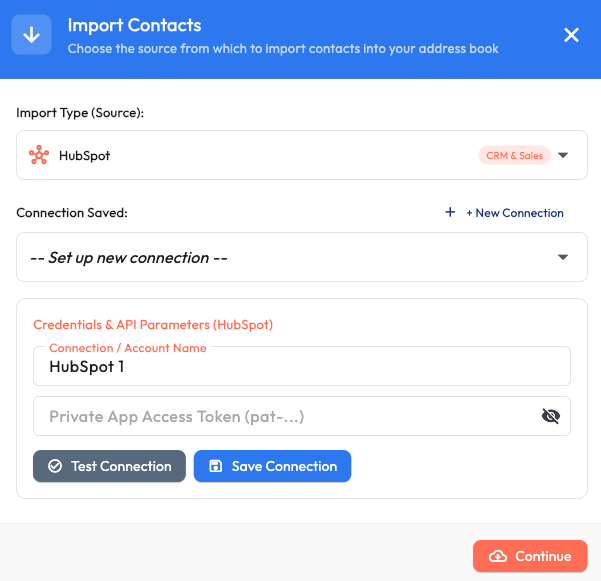
Pipedrive

Also supporting Salesforce, Zoho CRM, ActiveCampaign, and custom database APIs. Explore all integrations
Import in 4 Intuitive Steps
Pick Source
Choose an Excel/CSV file from disk or select a saved e-commerce connection.
Preview Rows
Inspect detected records, identify encoding, and designate header row presence.
Map Columns
Map columns to contact fields (Email is required; ignore unused columns).
Destination & Run
Pick target folder, define duplicate rules, and start the batch ingestion.
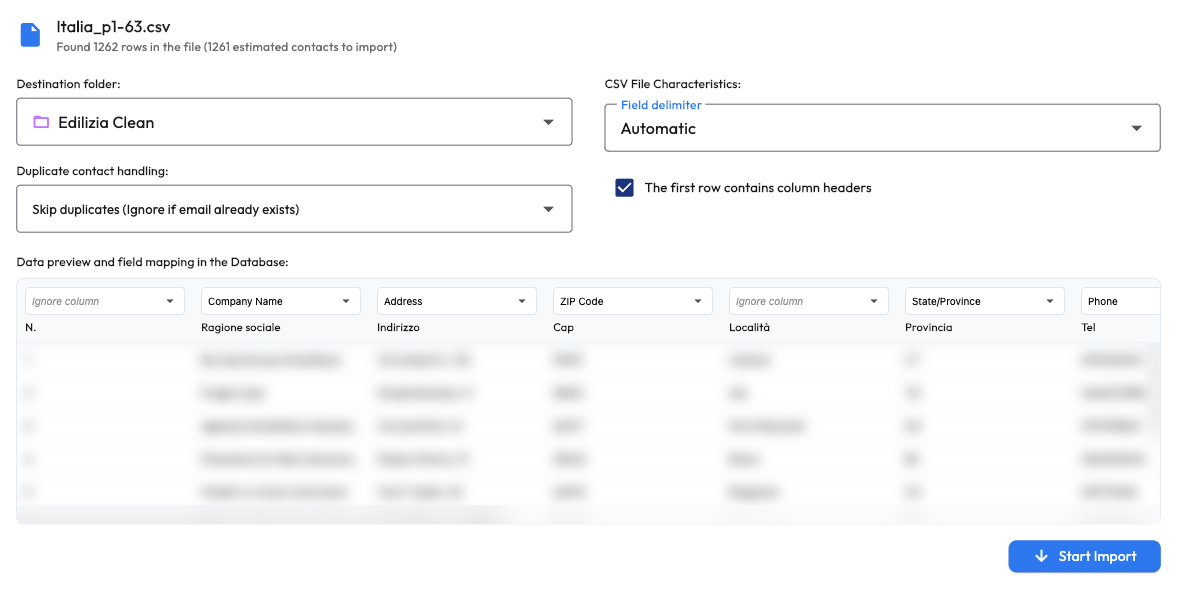
Visual column mapping: match spreadsheet headers to your subscriber database fields.
Mandatory Folder Allocation
Every import assigns contacts to a designated folder from moment zero, preventing unclassified, lost records.
Live Progress & Pause Controls
Track real-time progress on million-record imports with instant pause and resume options.
You Decide How Existing Records Are Handled
If an email address already exists in your local SQLite store, Newsletter Studio applies your chosen rule with zero accidental data overwrites:
- Skip duplicates: Ignores existing addresses and preserves previous profile values.
- Merge fields: Fills empty fields without overwriting previously captured data.
- Overwrite contact: Replaces entire profile values with imported spreadsheet data.
- Import all blindly: Appends every row without uniqueness checks.
Your Contacts in Any Format You Need
Export lists into industry-standard files for external reporting, spreadsheets, or third-party CRM systems.
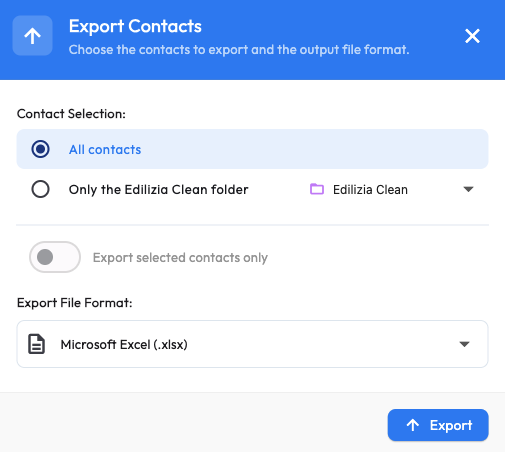
Granular Scope Selection
- Entire database: Complete address book backup in a single file.
- Single folder: Export specific customer lists or marketing segments.
- Filtered selection: Export only checked contacts from the active grid.
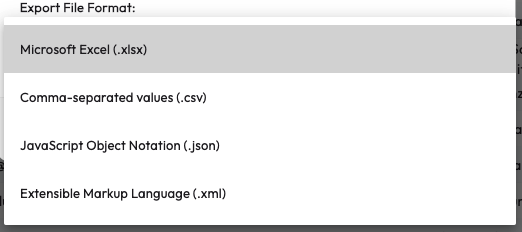
Supported Export Formats
- Microsoft Excel (.xlsx): Formatted spreadsheet ready for data analysis.
- CSV (.csv): Universal tabular format accepted by all business tools.
- JSON (.json): Structured machine-readable objects for developers.
- XML (.xml): Compatible with enterprise accounting and ERP schemas.
