Newsletter Studio - How to create a message with the block editor
A complete guide to the Newsletter Studio editor: how to create a professional newsletter from scratch, compatible with all email programs and easy to read on smartphones too.
We look at the subject and its analyzer, the text, image, button, spacer and column blocks, personalization variables such as the contact's name, the design panel with borders, margins and colors, the page properties, the 180 ready-made templates, generation with artificial intelligence, the spam analysis, the preview, the test send and saving the message.
Video chapters
- 0:00 Introduction
- 0:16 How the editor is organized
- 0:42 The message subject
- 1:03 Adding blocks
- 1:28 Text and variables
- 1:59 Block design and AI assistant
- 2:24 Image block
- 2:49 Call-to-action button
- 3:09 Two-column block
- 3:28 Moving, splitting and deleting
- 3:48 Page properties and smartphone view
- 4:18 Ready-made templates
- 4:32 Generate with AI
- 4:54 Spam check, preview and test send
- 5:19 Saving the message
- 5:40 Conclusion
Useful resources
Download Newsletter StudioTopics covered
Watch other videos
Discover the other available guides
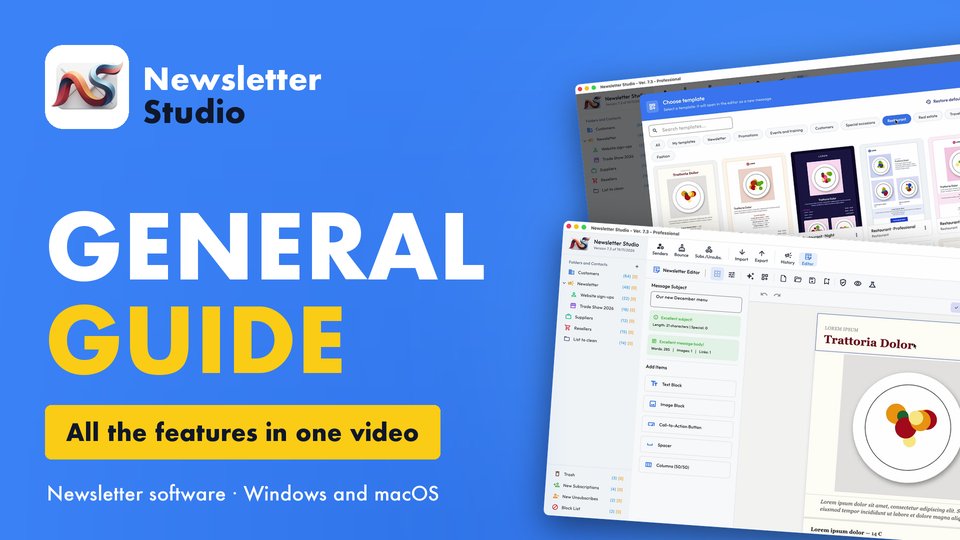
Newsletter Studio - General guide: all the features in one video
Discover in a few minutes all the main features of Newsletter Studio, the software to create, send and measure your newsletters directly from your…
Watch the video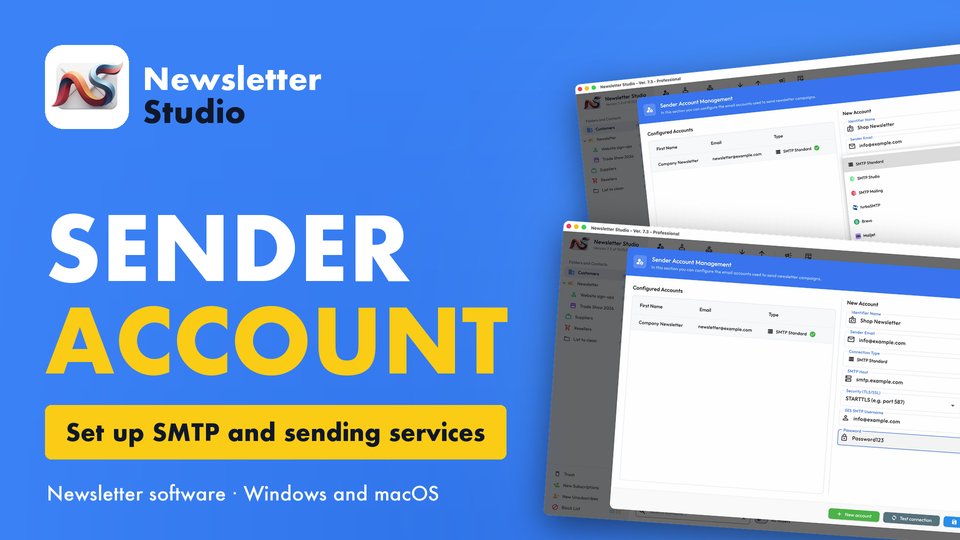
Newsletter Studio - How to create a sender account (SMTP, Brevo, Mailgun and more)
In this guide we see step by step how to create a sender account in Newsletter Studio, the email address your newsletters are sent from.
Watch the video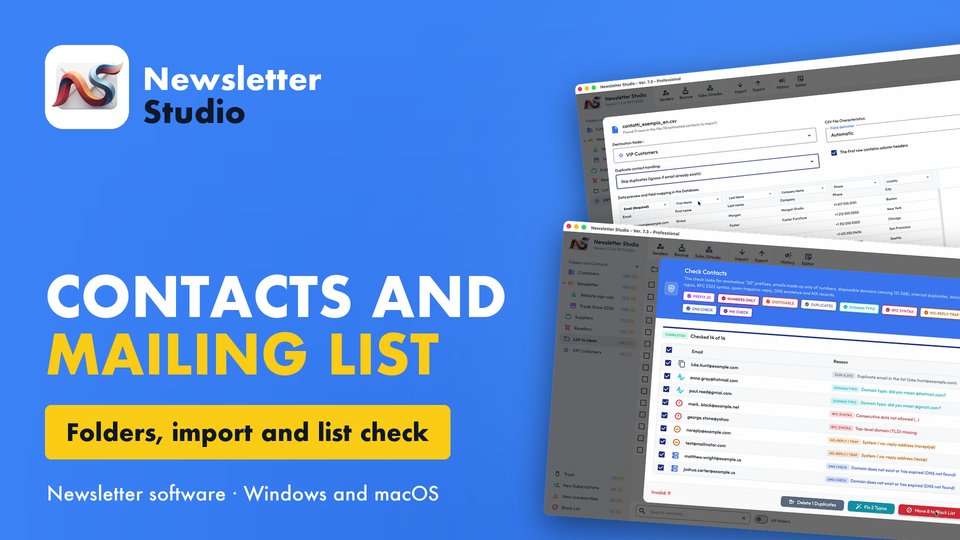
Newsletter Studio - Add contacts and manage your mailing list
In this guide we see how to organize your mailing list with Newsletter Studio: unlimited contacts, saved on your computer.
Watch the video