Newsletter Studio - Automatic subscriptions and unsubscribes (sign-up and unsubscribe forms)
In this guide we see how Newsletter Studio handles subscriptions and unsubscribes automatically.
We look at the unsubscribe link in the message header, which makes the Unsubscribe button appear in Gmail, Outlook and Yahoo, the link at the bottom of every message and the one to turn off open tracking only. Then the sign-up form to put on your website: language (30 available), identifier key to sort subscribers into subfolders, graphic style and copying the HTML code.
Video chapters
- 0:00 Introduction
- 0:23 Automatic unsubscribes
- 0:43 Header link (one-click)
- 1:02 Link at the bottom of the message
- 1:23 Where unsubscribed contacts go
- 1:46 Automatic subscriptions
- 2:00 Form language
- 2:16 Identifier key
- 2:37 Form style
- 2:52 Copying the HTML code
- 3:10 New subscribers
- 3:29 Conclusion
Useful resources
Download Newsletter StudioTopics covered
Watch other videos
Discover the other available guides
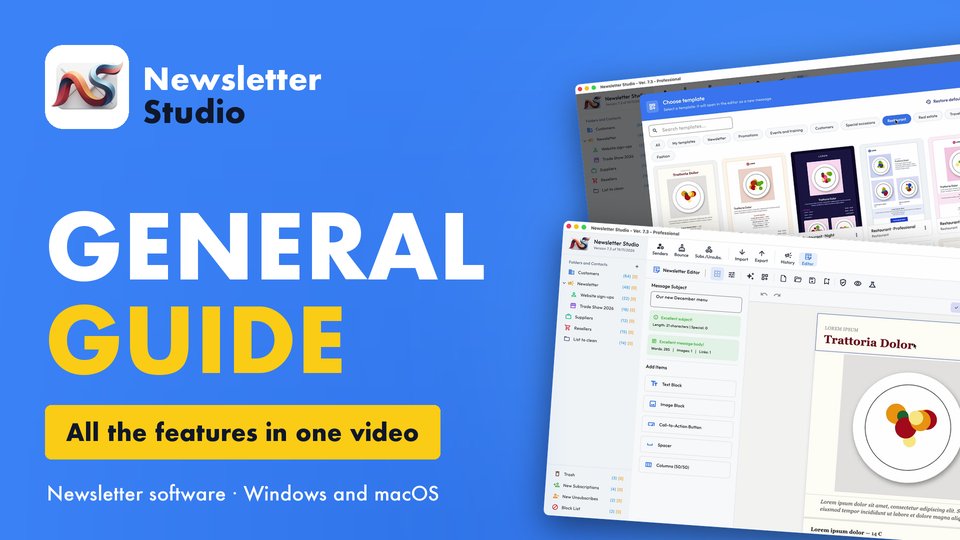
Newsletter Studio - General guide: all the features in one video
Discover in a few minutes all the main features of Newsletter Studio, the software to create, send and measure your newsletters directly from your…
Watch the video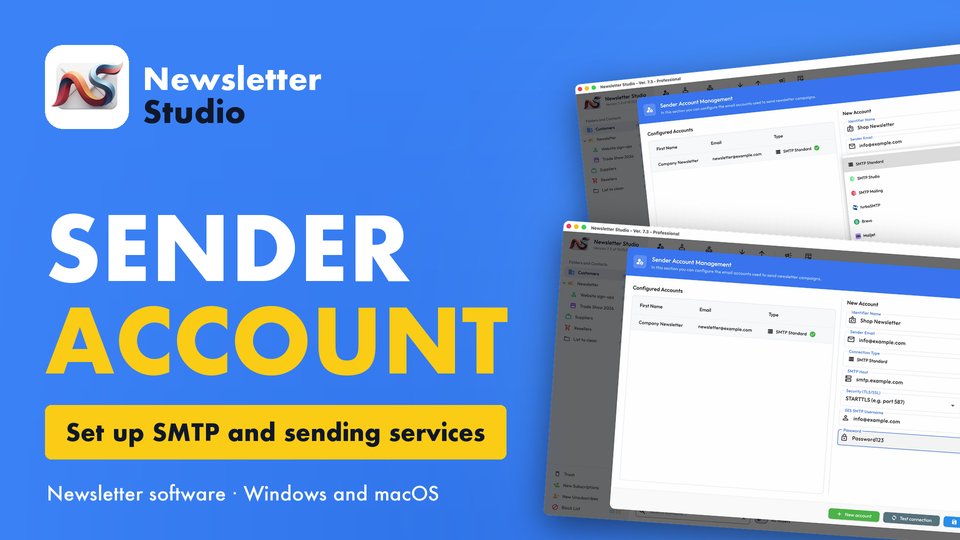
Newsletter Studio - How to create a sender account (SMTP, Brevo, Mailgun and more)
In this guide we see step by step how to create a sender account in Newsletter Studio, the email address your newsletters are sent from.
Watch the video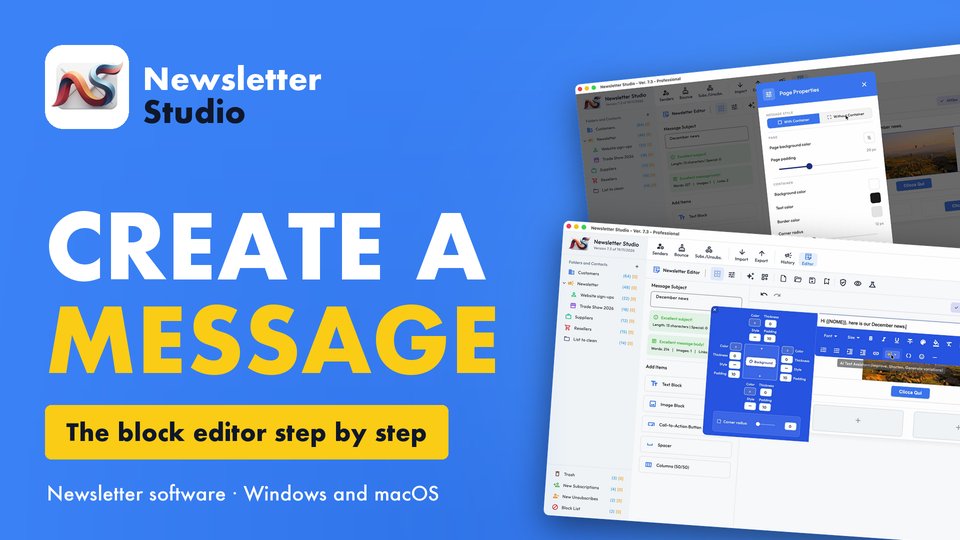
Newsletter Studio - How to create a message with the block editor
A complete guide to the Newsletter Studio editor: how to create a professional newsletter from scratch, compatible with all email programs and easy…
Watch the video