Newsletter Studio - Edit images: crop, adjust, draw and write
In this guide we look at the image editor built into Newsletter Studio, to prepare the images for your newsletters without using other programs.
We see cropping and zoom, brightness and contrast, filters, resizing to make the message lighter, flipping and free rotation. Then the Draw and write tab: freehand, lines, arrows, rectangles, ellipses and formatted text on the image.
Video chapters
- 0:00 Introduction
- 0:31 The image block
- 0:53 Opening Edit image
- 1:04 Crop and zoom
- 1:20 Brightness and contrast
- 1:34 Filters
- 1:50 Size
- 2:11 Flip and rotation
- 2:30 Draw and write
- 2:48 Freehand and shapes
- 3:08 Writing on the image
- 3:27 Moving and undoing
- 3:41 Applying the changes
- 3:59 Conclusion
Useful resources
Download Newsletter StudioTopics covered
Watch other videos
Discover the other available guides
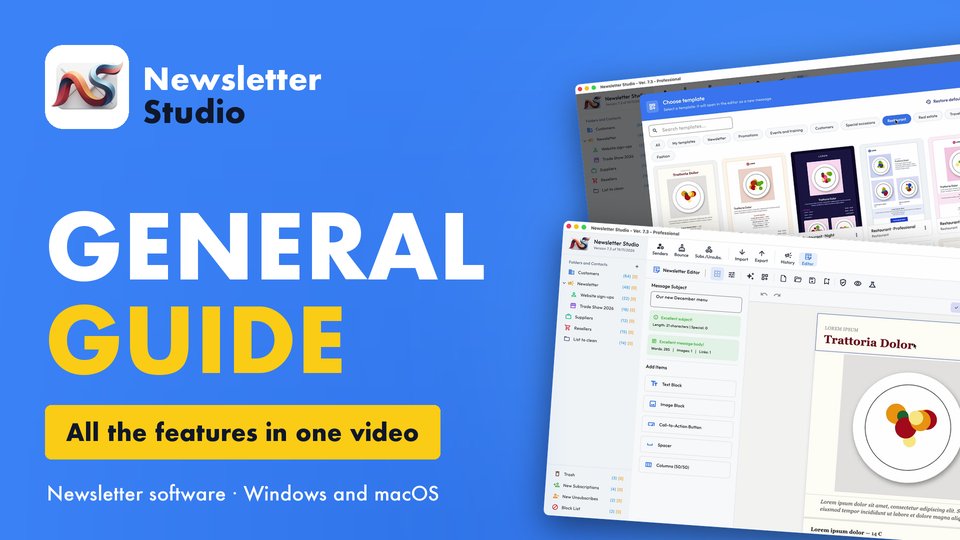
Newsletter Studio - General guide: all the features in one video
Discover in a few minutes all the main features of Newsletter Studio, the software to create, send and measure your newsletters directly from your…
Watch the video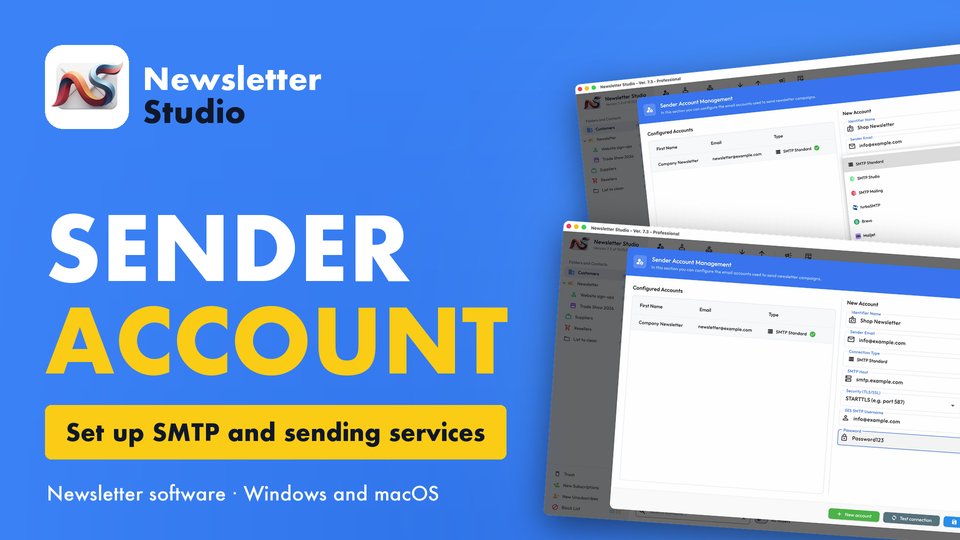
Newsletter Studio - How to create a sender account (SMTP, Brevo, Mailgun and more)
In this guide we see step by step how to create a sender account in Newsletter Studio, the email address your newsletters are sent from.
Watch the video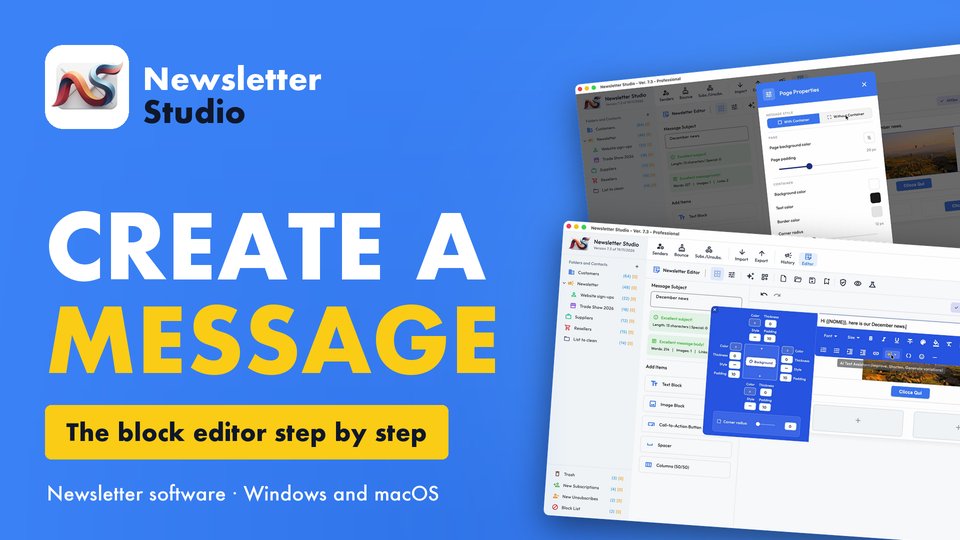
Newsletter Studio - How to create a message with the block editor
A complete guide to the Newsletter Studio editor: how to create a professional newsletter from scratch, compatible with all email programs and easy…
Watch the video